The Ultimate Smart Home Setup Checklist for Dallas Homeowners
A real smart home checklist for Dallas homes, what to install first, ecosystem picks (Apple Home, Google Home, Alexa, Home Assistant), wiring for new builds vs retrofits, common mistakes.
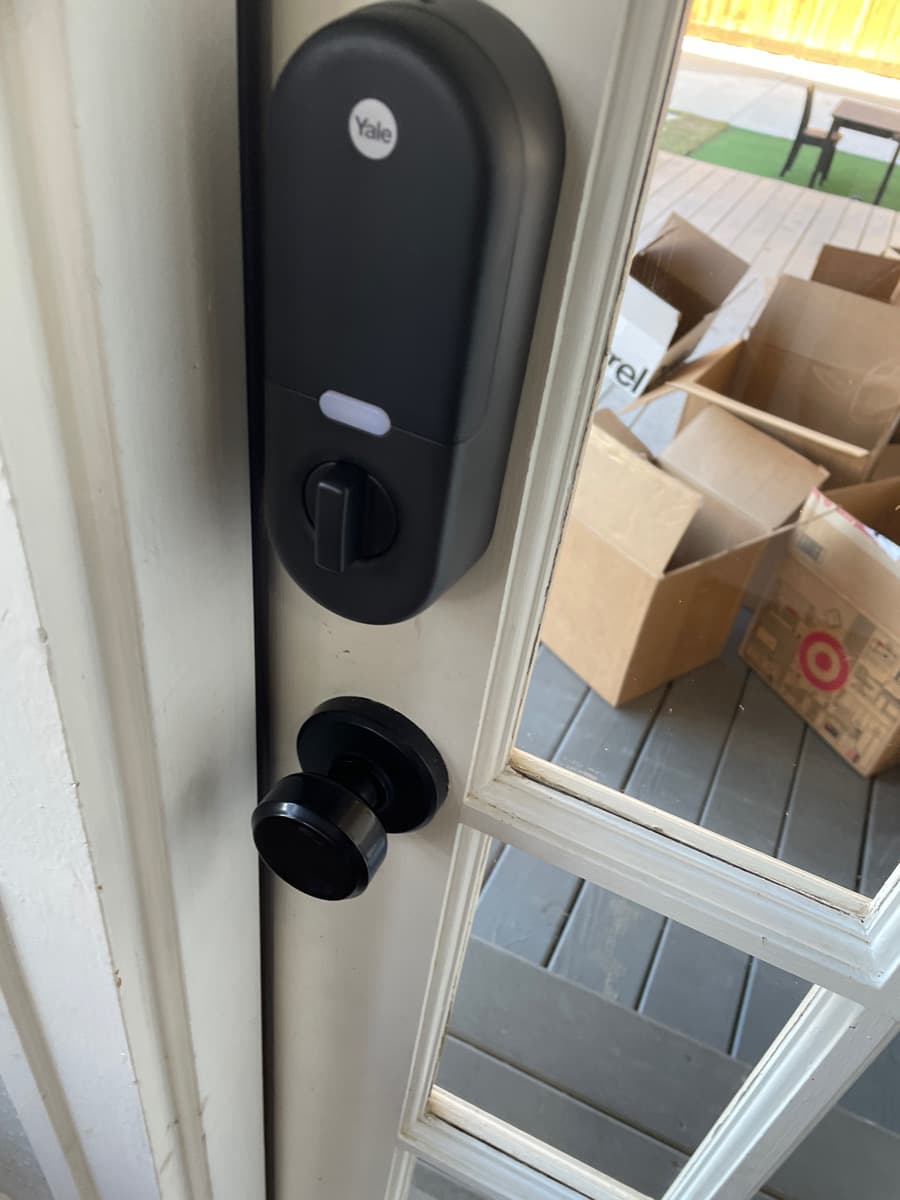
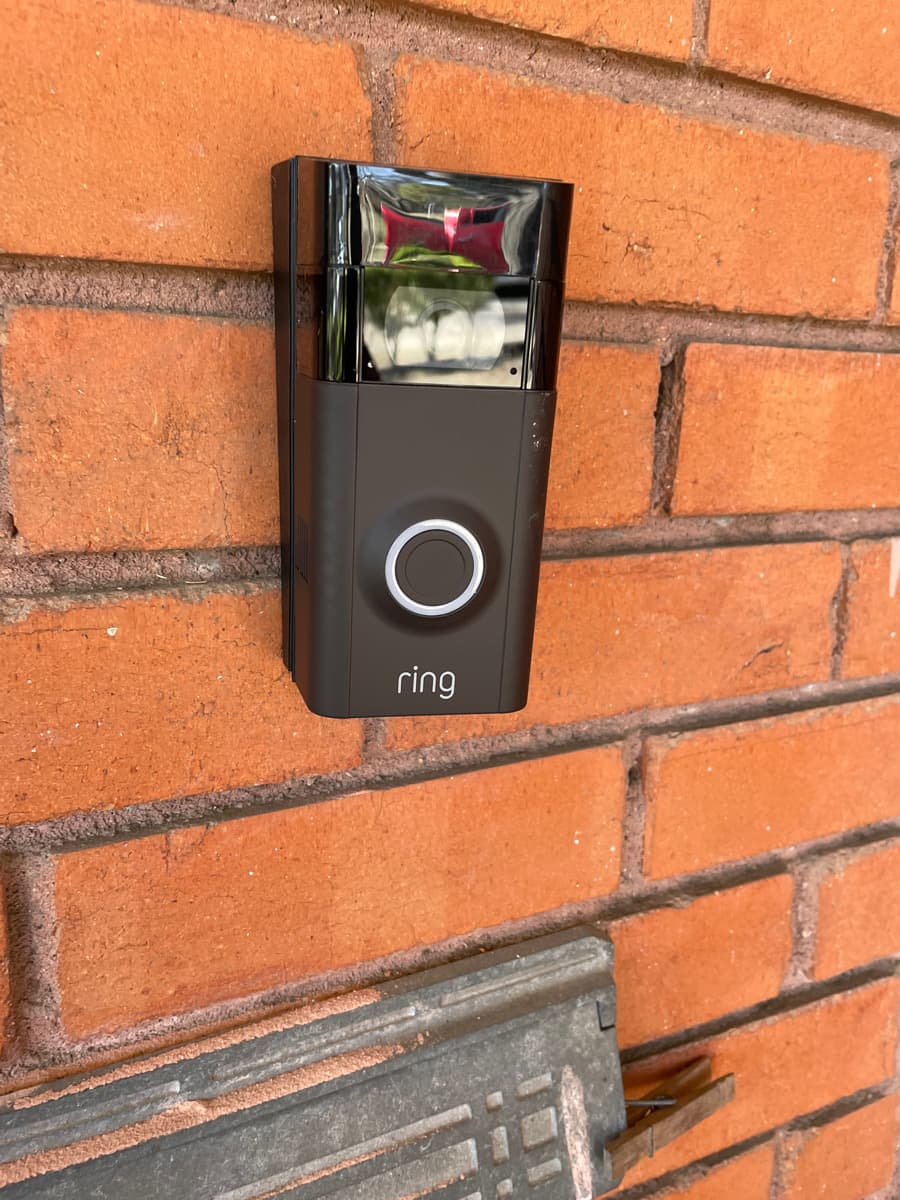
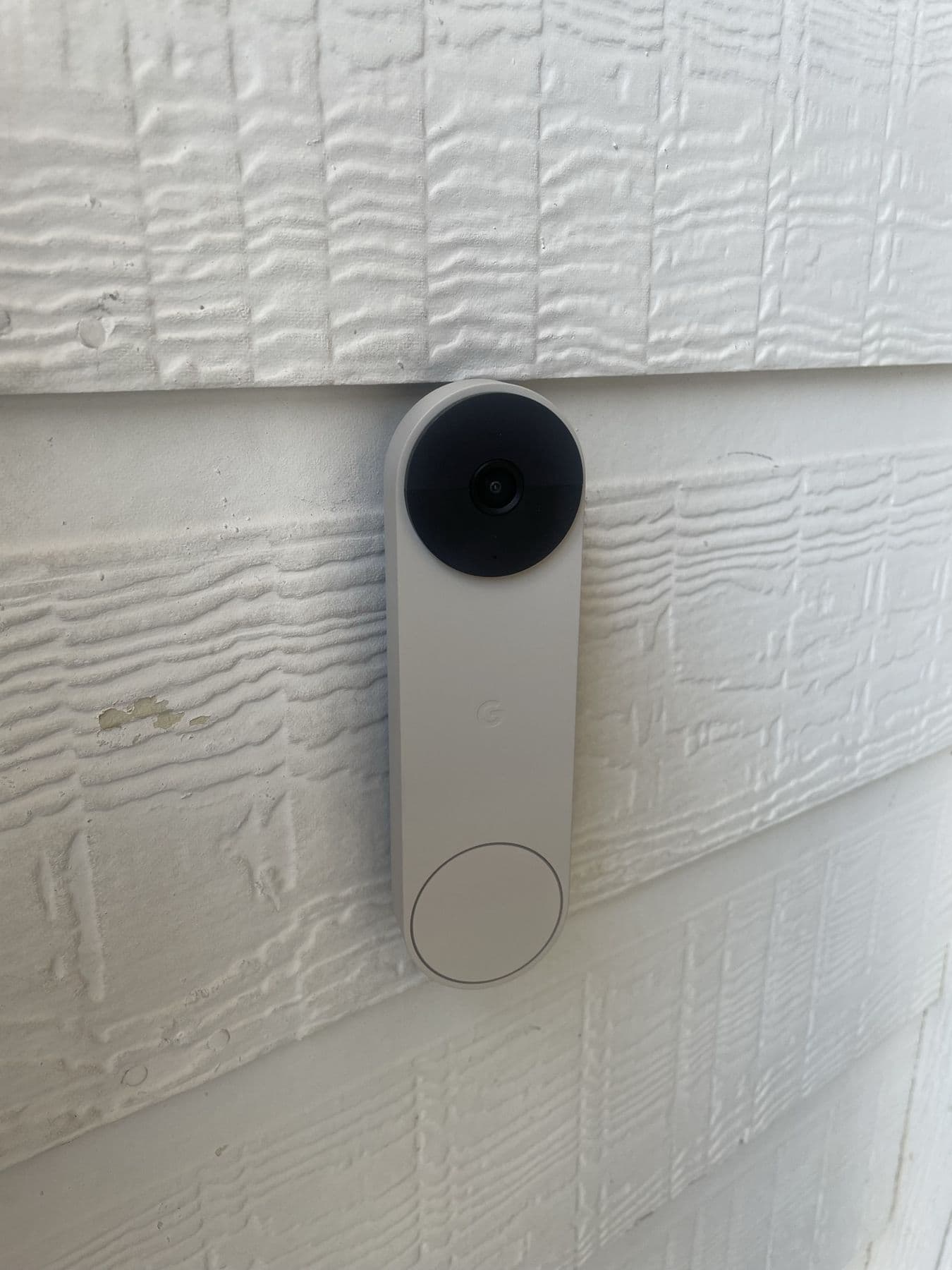
Most Dallas homeowners we meet have already started a smart home, they just don't know it. There's a Ring doorbell on the porch, a Nest thermostat in the hallway, three Alexa speakers, a smart bulb in the den, and a smart lock that works most of the time. Nothing talks to anything else, two of the apps haven't been opened in months, and the family still uses the wall switch.
That's not a smart home. That's a pile of smart devices.
Here's the actual checklist we use when we set up a real smart home for a DFW client, what to install first, what to skip, how to pick an ecosystem, and the mistakes we see again and again.
Step 1, Pick the ecosystem before you buy anything else
This is the single most expensive mistake people make. They buy individual devices, then try to glue them together later. It never works cleanly.
There are four ecosystems worth considering. Pick one before you spend another dollar.
Apple Home (HomeKit + Matter)
- Best for: households where everyone already uses iPhone, who want privacy and "it just works"
- Strengths: privacy (most processing is local), reliability, beautiful UI, no monthly fees
- Weaknesses: smaller device library than Google/Alexa, slower to add new vendor support
- Cost: the devices themselves; no platform fee
- Our take: the right call for 80% of self-installed homes in DFW under 4,500 sq ft
Google Home
- Best for: Android households, big media families, anyone with Nest cameras already
- Strengths: widest device support, best voice recognition, great with Chromecast/YouTube TV
- Weaknesses: more cloud-dependent (means it breaks when your internet goes out), data privacy is what it is
Amazon Alexa
- Best for: households that already have 4+ Echo devices and don't want to start over
- Strengths: cheapest entry point, biggest skill library, Ring integration is excellent
- Weaknesses: the integration logic ("Routines") is clunky compared to HomeKit or Google, ads on screen devices
Home Assistant
- Best for: power users who want local control, deep automations, and no vendor lock-in
- Strengths: runs locally on a cheap mini-PC, integrates with virtually every brand, no subscription fees, privacy-friendly
- Weaknesses: steeper learning curve, you want a pro to set up the core, then hand over a stable dashboard
- Our take: the best pick when you want one platform that unifies Ring, Sonos, Nest, Philips Hue, Lutron Caseta, and everything else under one roof
Quick decision rule
| If your house is... | Pick |
|---|---|
| Under 3,000 sq ft, all iPhone family | Apple Home + Matter devices |
| Under 3,000 sq ft, mixed devices, kids on Android | Google Home |
| Already has 4+ Echoes and a Ring system | Alexa |
| You want one dashboard for every brand + local control | Home Assistant |
For a deeper conversation about platforms, see our whole-home control service page.
Step 2, The essential layer (do these first)
Don't buy a smart fridge before you have these. In order:
1. Solid Wi-Fi (everything depends on this)
If your Wi-Fi can't reach the back porch, your smart sprinkler controller out there can't either. Before you add a single device, fix the network.
- Mesh Wi-Fi 6 / 6E system, Eero Pro 6E, Orbi, or Ubiquiti UniFi. Three nodes for most DFW homes; four or more for anything over 4,000 sq ft or with a detached structure
- Hardwire the nodes if at all possible, every wireless backhaul hop cuts speed in half
- Separate IoT VLAN for smart devices on a more advanced setup (your robot vacuum should not be on the same network as your laptop)
2. Smart lighting (start with switches, not bulbs)
Smart bulbs are tempting because they're cheap. They're also the reason your spouse hates the smart home, because the wall switch turns the bulb dumb.
Replace the switches instead. Lutron Caseta for retrofit (no neutral wire needed, rare for a smart switch), or Philips Hue wall switches if you want color scenes on top of the lighting. Now the wall works for guests, and the app/voice works for everyone.
3. Smart thermostat (zoned, if your HVAC supports it)
Ecobee Premium or Nest Learning, one per zone. If you have a single-zone system in a two-story DFW home, you're cooling and heating wrong, talk to a real HVAC tech about a dual-zone retrofit before you buy a fancy thermostat. We coordinate that with our partners on full-home integrations. See our smart thermostat install service.
4. Smart locks on entry doors
Yale Assure Lock 2 or Schlage Encode Plus. The big upgrades vs an old keypad: shared codes you can revoke (perfect for the cleaner, dog walker, Airbnb), arrival/departure automations (door auto-locks 5 min after you leave), and Apple Home Key / phone-tap unlock.
5. Video doorbell
Ring (if you're on Alexa) or Nest Doorbell (if you're on Google) or Aqara G4 (if you're on Apple Home and want full HomeKit Secure Video). One per main entry. We install dozens of these a month, see Ring & Nest installation.
6. One central hub or controller
If you're on Apple Home, this is a HomePod mini or Apple TV 4K. On Google Home, a Nest Hub. On Alexa, an Echo with a built-in Zigbee/Matter radio. On Home Assistant, a Home Assistant Green or a Raspberry Pi we set up for you. Without a hub, half your automations stop working when your phone is off the network.
Step 3, The "nice to haves" (Phase 2)
Once the foundation is solid, layer these in:
- Motorized shades (Hunter Douglas with PowerView or IKEA FYRTUR for budget setups), biggest "wow" upgrade per dollar in the entire smart home
- Multi-room audio, Sonos is the default for Dallas homes, with Denon HEOS as a solid alternative if you already have Denon gear (see Sonos installation)
- Security cameras, hardwired PoE > wireless, every time. NVR-recorded so you don't pay monthly cloud fees. See security camera installation
- Smart garage door opener, myQ or Meross with HomeKit
- Leak sensors under every sink, dishwasher, and washing machine, DFW slab-on-grade homes are brutal when a slow leak goes undetected
- Smart smoke + CO detectors, first Alert Onelink or Nest Protect
Step 4, Wiring decisions (this is where pros earn their fee)
If you're building new (or doing a major remodel)
Run conduit and structured wiring before drywall. Specifically:
- Cat6A to every TV location, every camera location, and every wireless AP location
- 16/4 speaker wire to every ceiling speaker location, with extra runs in the great room and patio
- Conduit (3/4" or 1") from the AV closet to the main TV walls and to the attic, even if you don't use it now, you will in 5 years
- Two-gang junction boxes at TV locations to allow for future in-wall power kits
- A real low-voltage rack location in a closet or utility space, with cooling and a dedicated 20A circuit
This is the single moment in the home's life where smart-home wiring is cheap. After drywall it's 10x more expensive.
If you're retrofitting an existing home
We work in DFW homes from the 1920s to last year's builds. The retrofit playbook:
- Wireless-first for switches and locks (Lutron Caseta and Yale both work without new wiring)
- Attic-fished cable runs to TV walls, cameras, and ceiling speakers, most DFW single-story attics are clean and accessible
- Powerline-over-coax (MoCA) for hardwired backhaul where there's existing coax but no Cat6, every old DFW home has coax everywhere
- PoE switches for cameras and APs, one cable, power and data, fewer outlets needed in the attic
We almost never recommend tearing open finished walls. The ROI on patch-and-paint vs. clean wireless and creative routing is rarely there.
Step 5, Common mistakes we see every week
Across DFW, the same five mistakes show up again and again:
- Buying devices before picking an ecosystem. Then half the devices don't talk to the chosen app. Pick the platform first.
- Smart bulbs in fixtures with wall switches. The minute someone flips the switch, the bulb is dumb. Install smart switches instead.
- Cheap mesh Wi-Fi running 100% wireless backhaul. Devices drop, voice commands fail, the family blames the smart home. Hardwire the mesh nodes.
- Cloud cameras for outdoor security. Monthly fees forever, plus the camera goes dark when your internet does. Hardwired PoE + NVR is the answer.
- Leaving the automations half-finished. People install all the devices, then never set up the scenes, so nobody uses it. The magic isn't the hardware, it's the programming. "Good morning," "movie night," "away," "goodnight", four scenes change the whole feel of the house.
Step 6, The order of operations for a new client
When we onboard a Dallas client for a full smart home, here's the sequence:
- Site walk + ecosystem decision (free, 60 minutes)
- Network upgrade, mesh Wi-Fi, VLANs, structured wiring assessment
- Lighting and shades, biggest daily-life impact, gets done early
- Thermostats + locks + doorbell, security and comfort layer
- Multi-room audio and TV mounting, the entertainment layer (TV mounting service, Sonos)
- Cameras and full security, exterior + critical interior
- Automation programming, scenes, schedules, voice commands, geofencing
- 30-day check-in, every system gets tuned after 30 days of real use
The current starter package is listed from $699. Equipment, wiring, device count and integrations determine the scope. Compare the current packages and itemized pricing; do not assume all hardware is included in a starting price.
Bottom line
A great smart home is invisible. The lights come on when you walk in, the music follows you to the kitchen, the door locks when you leave, the cameras catch what they need to catch, the AC adjusts when the house is empty, and you almost never open an app.
That's what we build. If you're starting fresh or trying to fix a system that's grown into a mess, get in touch for a free consultation or call 469-970-6943. We'll walk through your house, make a real plan, and price it honestly.
Share your existing equipment and priorities so we can assess the right scope for your home.